Manual
Attack Visuals and Hot-Load Smoothing Update
Attack effects now use safer placement and adaptive hot-mode smoothing so the overlay stays readable when chat sends a burst of attacks.
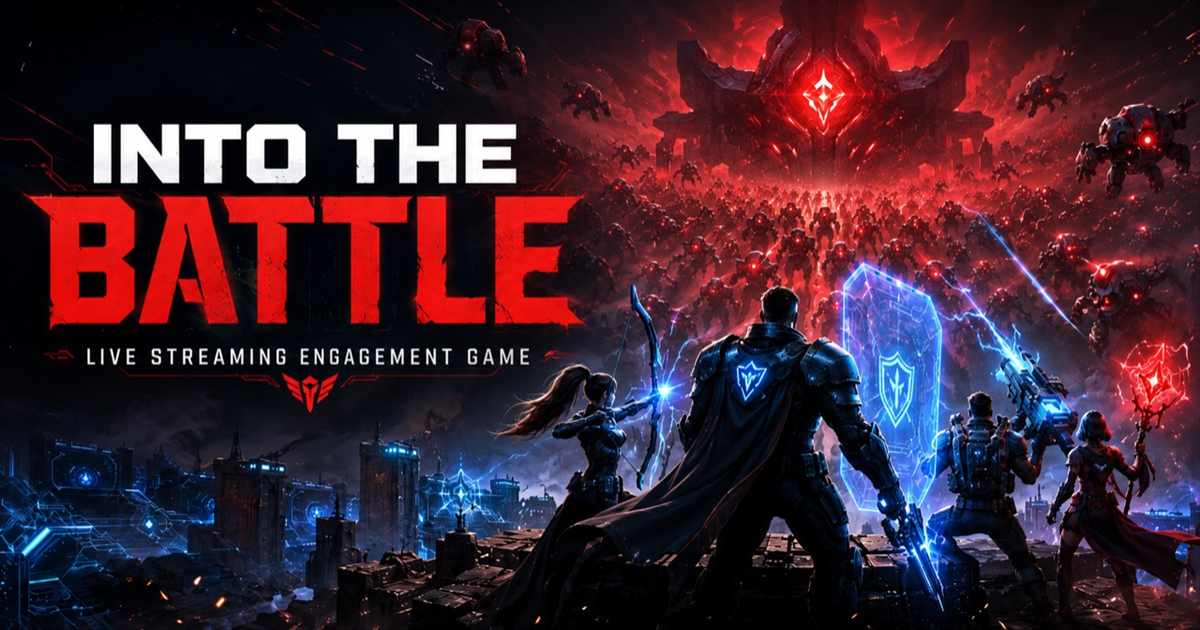
Attack effects are one of the loudest parts of IntoTheBattle, so they need two things at the same time: they need to look exciting, and they need to stay smooth when chat gets rowdy.
Cleaner attack placement
- Attack origin and target points now go through one shared geometry resolver.
- Player, horde, and boss attacks use clamped canvas positions so effects are less likely to appear detached from their target.
- Impact bursts and damage numbers now use the same resolved target point as the rendered attack path.
- New diagnostics record the latest attack geometry so visual bugs are easier to reproduce.
Smoother when the overlay is running hot
The overlay now watches frame health, active attacks, particle count, and queue depth. When those numbers climb, hot mode temporarily trims visual work instead of letting everything stack up.
- Particle counts drop while hot mode is active.
- Older low-priority effects are trimmed before they can slow the canvas down.
- Arena shake gets softer and shorter during heavy bursts.
- Gameplay, ambient, and sound lanes use tighter budgets while high-priority battle moments keep their place.
How we checked it
The visual confidence tests now include attack geometry probes and hot attack storm coverage. That means the test suite checks that attacks still fire, stay owned, avoid collapsed paths, and keep particle counts under the hot-mode cap.
The intended feeling is not less action. It is steadier action: the overlay should still pop, but it should stop wasting frames when the battle gets crowded.
Creator comments
What streamers are saying
Logged-in creators can add a comment for the shared public comments block.
No creator comments yet. Be the first streamer to leave one.