Manual
Live Connection Cleanup and Player Privacy Update
IntoTheBattle now clears stale stream connections more aggressively so a new creator session does not inherit old players or another streamer identity.
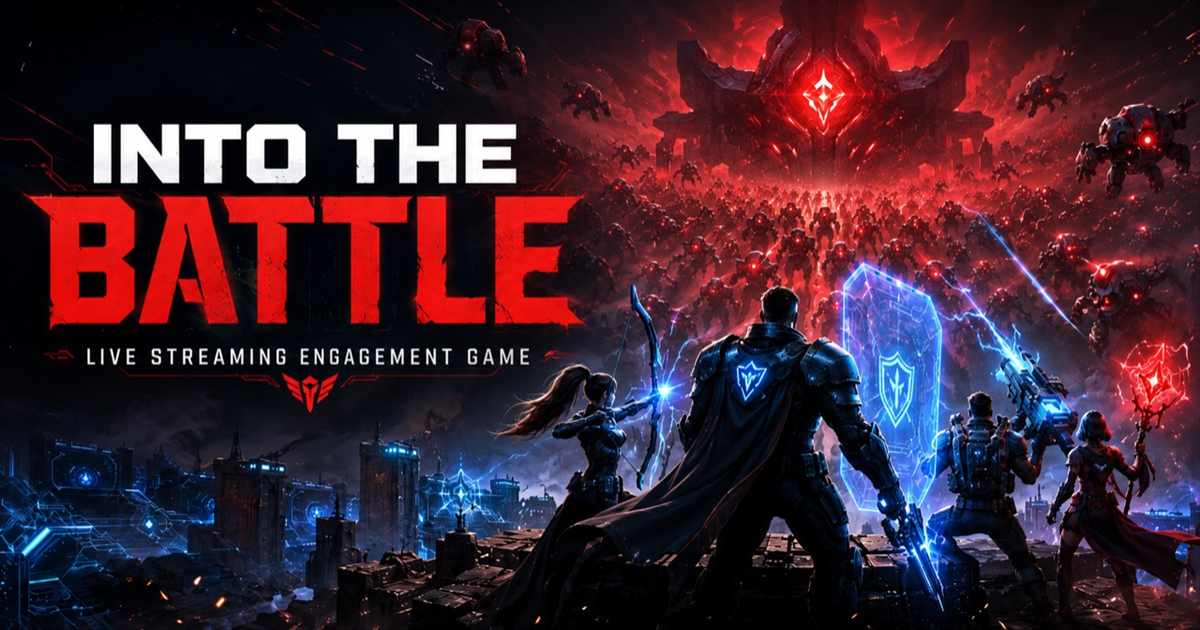
One of the most important updates this month was not a flashy arena effect. It was the kind of fix creators should barely notice because it keeps the stream feeling trustworthy.
What changed
- When a TikTok LIVE connection ends, IntoTheBattle now treats that room as ended instead of quietly keeping old stream state around.
- Saved streamer auto-resume is disabled by default, so startup does not restore an old streamer into a fresh session.
- Player state from an inactive stream is cleared more carefully before the next live connection starts.
- Production keeps the auto-resume guard off with
TIKTOK_AUTO_RESUME_SAVED_STREAM=false.
Why it matters
Creators should never sign in and see another person's username, and viewers should never see players from an old stream bleeding into the current battle. This update focuses on that boundary: one creator, one room, one live session.
For the audience, the result is simple. The arena should start clean when the creator connects, and it should stop following a stream once that live has ended.
What to expect on stream
If a live ends without someone manually disconnecting in the app, the game server now has a safer path to stop that session too. That protects the next connection from stale player cards, old horde pressure, and old streamer identity data.
This is part of a bigger reliability pass before broader creator onboarding. The goal is boring in the best way: the right room loads, the right streamer connects, and nobody sees someone else's information.
Creator comments
What streamers are saying
Logged-in creators can add a comment for the shared public comments block.
No creator comments yet. Be the first streamer to leave one.